Published on: September 2, 2014
1 min read
Feature Highlight: Branded login in GitLab Enterprise Edition
In GitLab Enterprise edition, you can easily customize the login page of your GitLab server.


In GitLab Enterprise edition, you can easily customize the login page of your GitLab server.
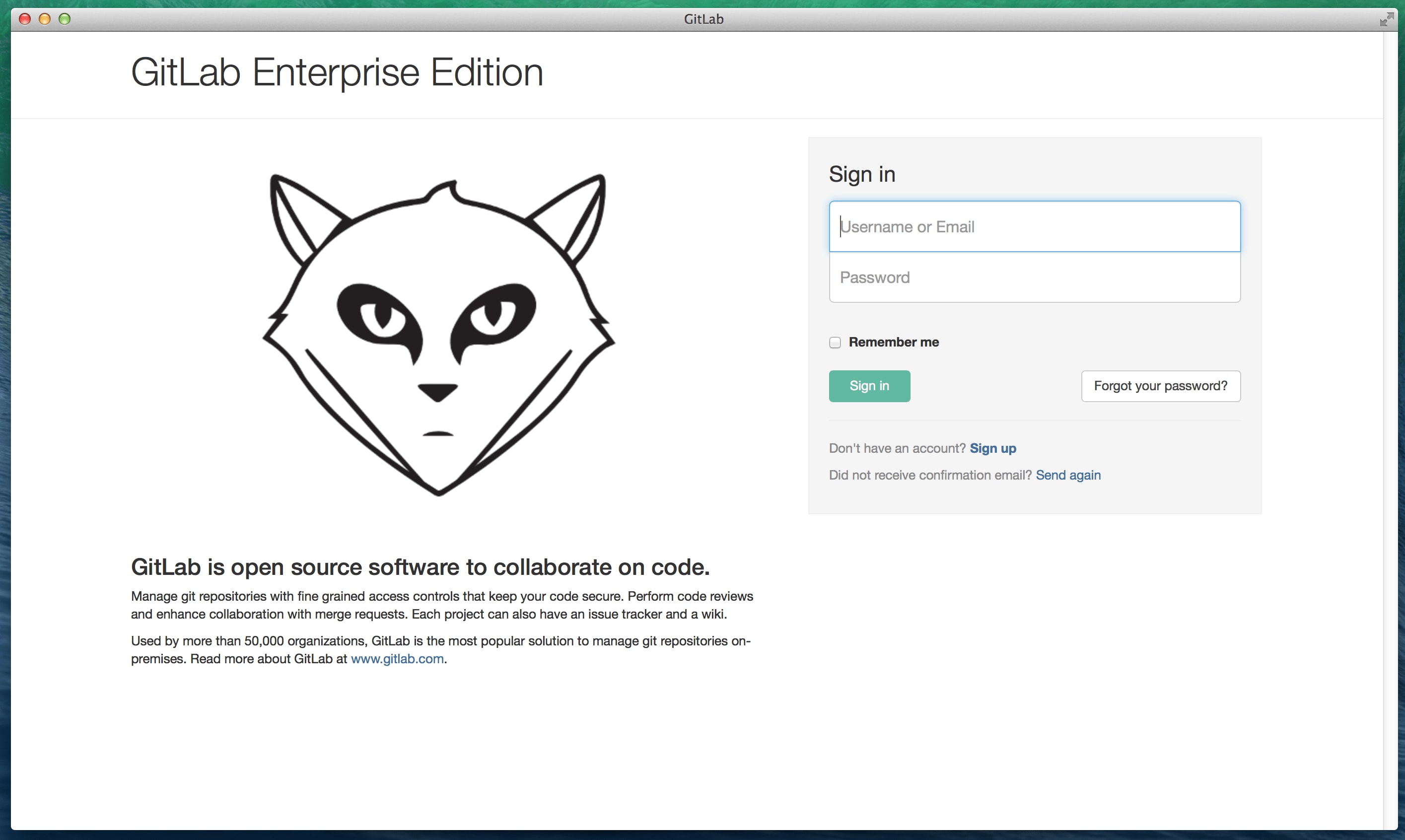
By default, Enterprise Edition page shows GitLab logo and description
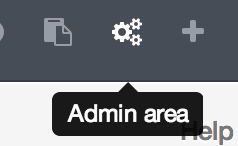
Navigate to the admin area and go to the Appearance page.
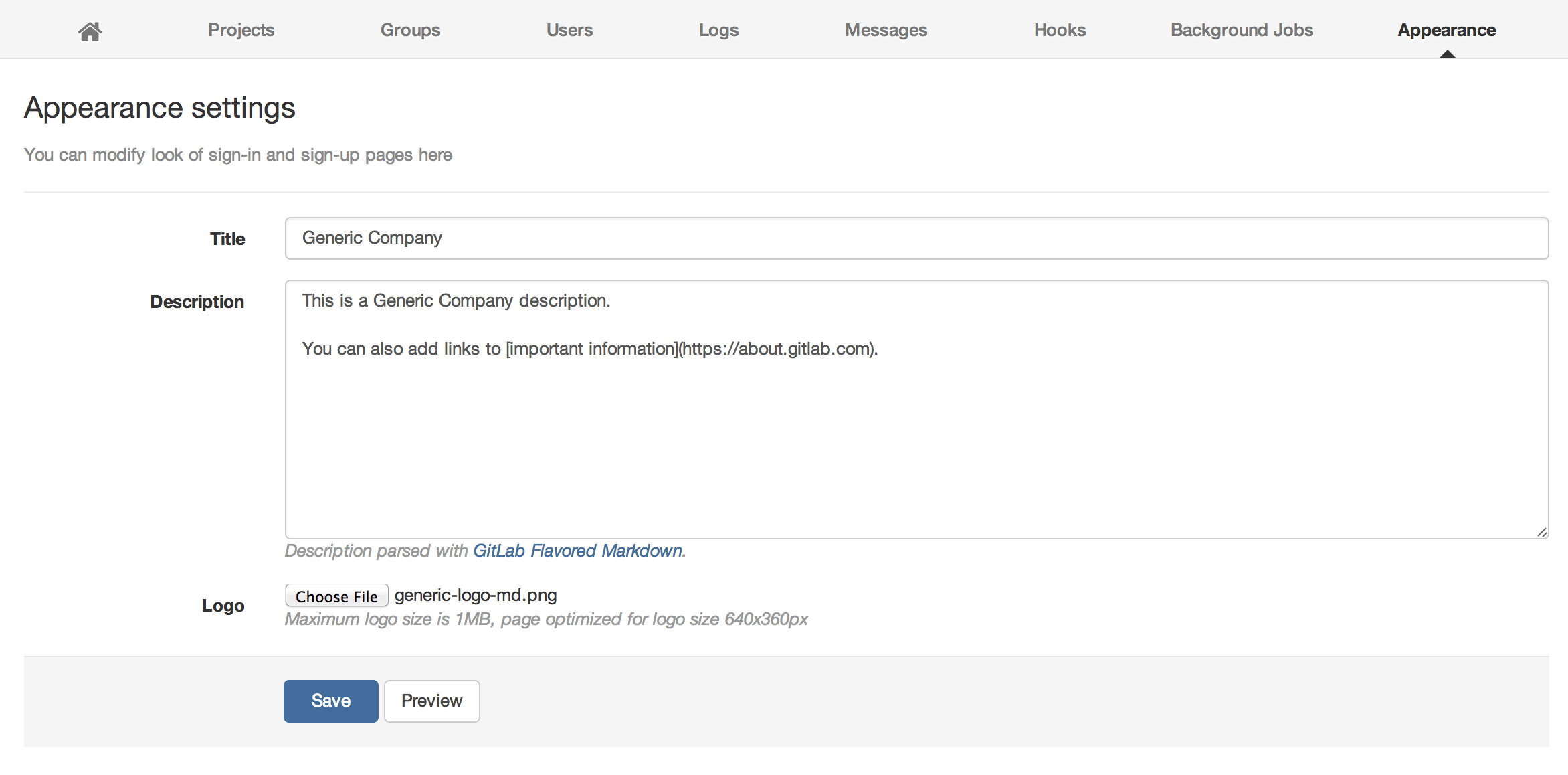
Fill in the required details like Title, Description and upload the company logo.
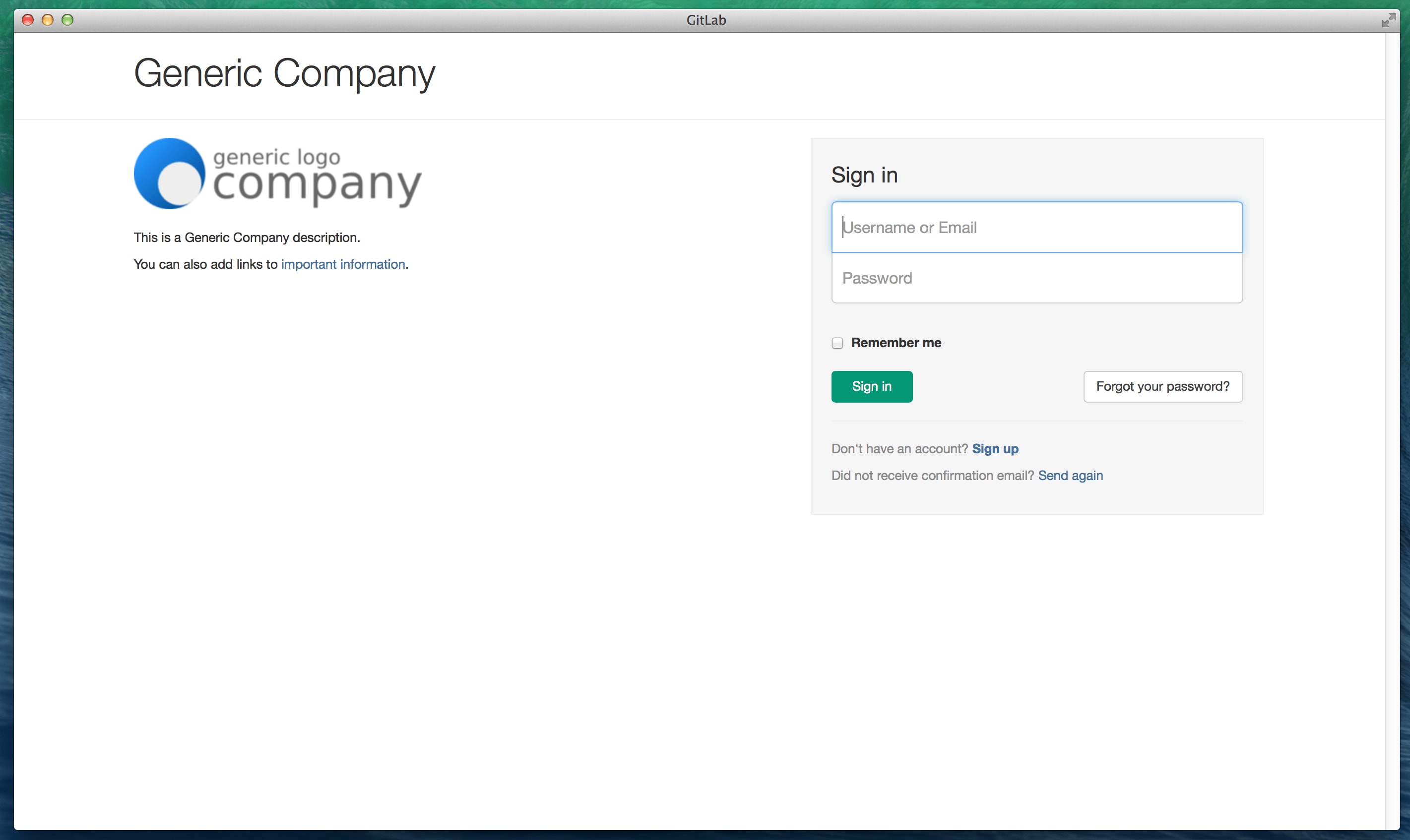
After saving the page, your GitLab login page will show your logo and text!
More to explore
View all blog posts


We want to hear from you
Enjoyed reading this blog post or have questions or feedback? Share your thoughts by creating a new topic in the GitLab community forum.
Share your feedback